
The Bing card promises a virtual card in five minutes without KYC, and then charges you twice for the privilege
 Available in US
Bing is a crypto card that lets you hold a balance, load it with BTC, ETH, USDT or USDC, and spend it through a virtual card in just 5 minutes without identity checks — or through a physical card that does require KYC and arrives from Hong Kong. That pitch is aimed squarely at someone who cannot get an ordinary bank card, or who would rather not hand over documents to a company they have never heard of.
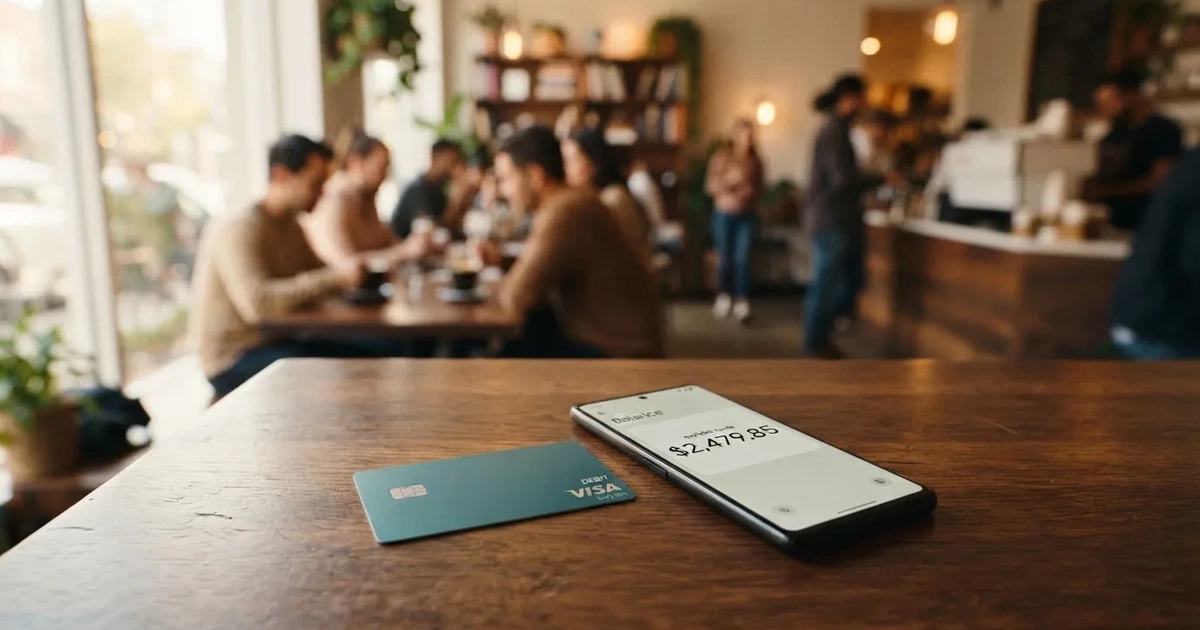
I checked the card’s own pages and then went looking for what users report. I came away with 4.2 out of 10, and most of the deduction is not down to taste. The card’s pricing page and its FAQ give different numbers for the same fees. The monthly limit for the Star card is stated as $200,000 in one place and $50,000 in another. The issuing entity and its licences are not named anywhere I could find. And of 58 reviews on Trustpilot, 89% are one-star, with accounts of conversions and withdrawals sitting in “Processing” for weeks.
Conditions here are current as of October 28, 2026.
Verdict: 4.2 out of 10
Here is the whole picture at a glance, criterion by criterion, with the numbers exactly as I scored them.
| Criterion | Mark | Why |
|---|---|---|
| Who can get it | 5 / 10 | No country list is given; closed to US citizens and residents; physical cards ship from Hong Kong |
| Cost | 3 / 10 | Issuance 25 USD / 40 USD / 168 USD; exchange 2%, cross-border 1.5%, declined transaction 3%, top-up 2% on the pricing page, but 1% in the FAQ |
| Top-up options | 6 / 10 | BTC, ETH, USDT, USDC accepted; networks not named; unclear whether the physical card can be funded with crypto at all |
| Reliability and complaints | 2 / 10 | Bingcard, Inc.; issuer and licences unnamed; Trustpilot shows 89% one-star out of 58 reviews; conversions and withdrawals stuck in “Processing” |
| Everyday use | 6 / 10 | Virtual Exclusive and Star, physical Platinum; Apple Pay and Google Pay not disclosed; unofficially, ATM only on the physical card |
| Total | 4.2 / 10 |
Who this suits: someone who needs a spendable card number quickly, has crypto they want to convert to fiat balance, and values not being asked for documents more than they value predictable costs or a named regulator. If that is you, read the costs section carefully, because the fees here are the thing most likely to surprise you.
Who this does not suit: anyone whose income depends on this card going through, anyone paying rent or utilities from it, and anyone who wants to know which institution is actually holding their money. The reliability score of 2 out of 10 is not a judgement call — it is the arithmetic of a complaint record where 89% of 58 reviewers give one star.
Will they give you the card?
Short answer: probably, if you are 18 or older and not a US citizen, permanent resident or US-incorporated entity — but the card’s own pages never tell you which countries are supported, and that gap is the whole problem with this section.
The terms say accounts may not be opened for US citizens, US permanent residents and US-incorporated entities. Beyond that, the service is offered only to residents of “countries and territories we support”, and the list is not published as far as I could find. The minimum age is 18.
That is where the honest answer stops. People searching “is Bing card available in my country” get a search result, not a country table. Physical cards are described as issued from Hong Kong, and virtual cards as issued from the United States with the Star card also issued from Hong Kong. So there are two issuing footprints, not one, and which one you end up with depends on which product you pick.
The reason country matters more here than for an ordinary bank card is structural. A merchant can look up the first six or eight digits of your card number and see which institution and country issued it, and may apply extra scrutiny if the issuer country differs from your billing address. A Hong Kong-issued card in a shop in Europe can simply look foreign, and that is before any of the issuer’s own policies come into play. Prepaid and foreign BINs get declined at a higher rate for exactly this reason.
Who owns Bing? The site carries a 2025 copyright for Bingcard, Inc. The company page says the company was founded in December 2021, and that the website and licences were “secured” in December 2022 — without naming the regulator or the licences. Virtual cards launched in February 2023 and the physical card’s first phase in February 2024. The issuer or BIN sponsor is not named.
So: no country list, no named issuer, no named licence. If you are in a country where you already have banking, none of that stops you from applying. If you are not, you are applying blind.
How to get it
Two routes, and they are not equally demanding. If you want a card number you can use online within minutes, you can get a virtual card “in just 5 minutes without KYC”, according to the site. If you want the physical card, you “complete your KYC process online”, subject to AML and regulatory requirements.
Which documents you need is not stated, nor is the age verification route. That is a real omission rather than a technicality, because anti-money-laundering rules require regulated businesses to verify customers and assess risk as part of their legal obligations, with ongoing monitoring and suspicious-activity reporting. In the EU that due diligence covers name, address, date of birth, nationality and identity documentation, a sanctions check, the purpose of the relationship, and whether you are a politically exposed person. If it cannot be completed, the institution is required to refrain from the transaction and, where necessary, end the relationship. That is why accounts close or freeze pending documents, and it is a normal legal requirement rather than a judgement about you.
For the virtual cards there is no KYC at all. For the physical Platinum card there is online KYC. For bank card top-ups, an ID with a photo, a mobile number and possibly a videoconference may be required, and the card says verification is “generally completed within 24 hours”. The reasons for a rejection are not stated anywhere.
What you get is one of three products: virtual Exclusive, virtual Star, or physical Platinum. The network is not named — the site says only “major global payment networks” — and the card currency is not stated on the card page, though the pricing page gives virtual cards a USD base currency and the physical card HKD. Validity is three years on the FAQ for the physical card, and two to three years for the virtual cards according to the pricing page.
Delivery, if you are going the physical route: the card is “delivered within a maximum of 25 business days”, issued from Hong Kong. Which countries it ships to, what delivery costs, and what a replacement card costs are all not stated.
Fees: what it really costs
This is where I have to be blunt. Bing’s own two official pages do not agree with each other, and I am going to show you both rather than pick the nicer one.
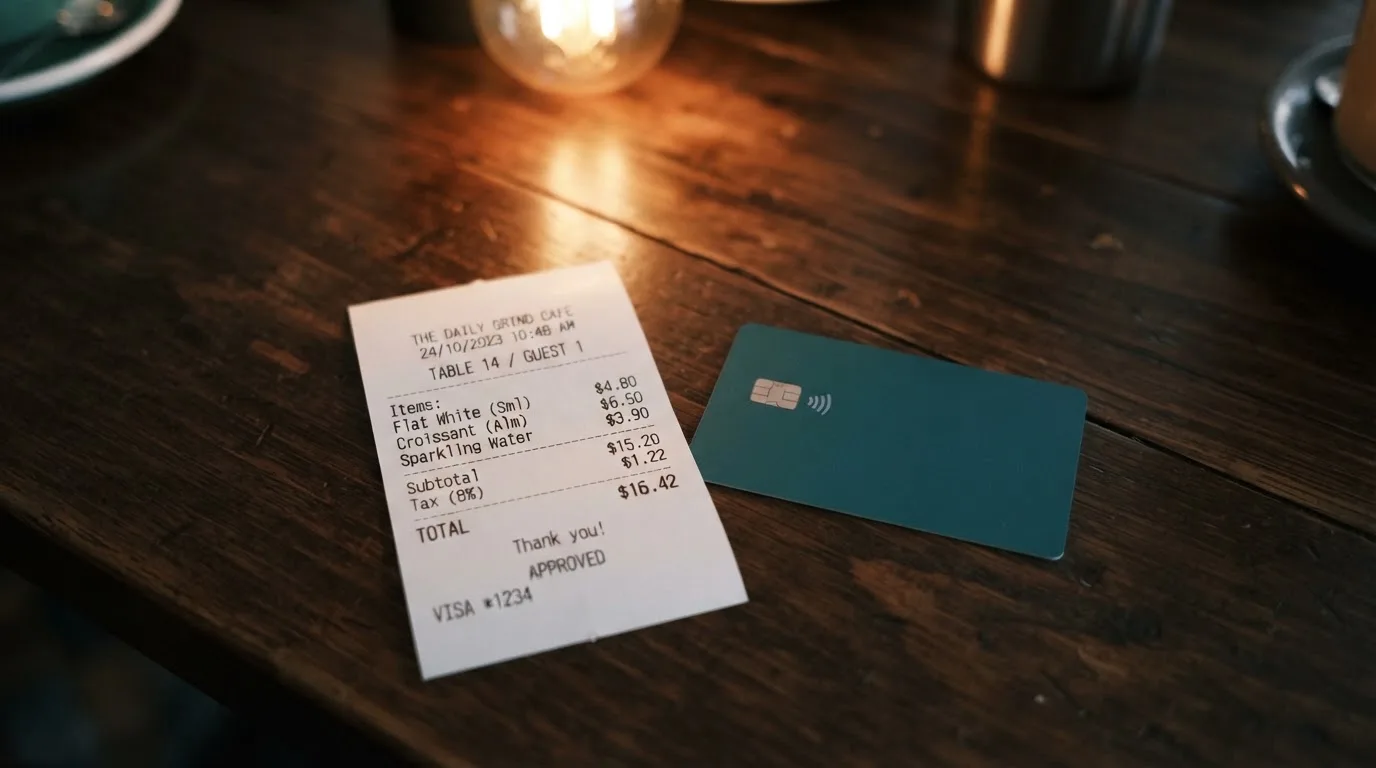
First, the tier basics, which at least are consistent on issuance price across the two pages: Exclusive 25 USD, Star 40 USD, Platinum $168. Virtual cards arrive in just 5 minutes; the physical card takes up to 25 business days.
| Fee or limit | What the pages say |
|---|---|
| Issuance, Exclusive virtual | 25 USD |
| Issuance, Star virtual | 40 USD |
| Issuance, Platinum physical | $168 |
| Monthly maintenance, Exclusive | 1 USD (FAQ); pricing page says $0/month for all |
| Monthly maintenance, Star | None (FAQ) |
| Monthly maintenance, Platinum | No monthly maintenance fee (FAQ); pricing page says $0/month |
| Exchange fee | 2% (pricing page); FAQ says 0% for converting cryptocurrency to USD |
| Cross-border handling | 1.5% for transactions in non-US regions, minimum $0.5 per transaction |
| Declined transaction fee | 3% |
| Small-transaction fee | $0.5 on transactions below $50 for some cards (FAQ: 1% fee on transactions below 10 USD) |
| Transaction fee | 0% on the pricing page; the FAQ says “only 1% transaction fee” |
| Top-up fee | 2%, minimum top-up $10 (Platinum 1 HKD) on the pricing page; FAQ says 1% for deposits and withdrawals |
| Deposit fee | 2%, minimum deposit $1 (pricing page) |
| Withdrawal fee | 2%, minimum withdrawal $10 (Platinum 1 HKD) on the pricing page; FAQ says 1% on deposits and withdrawals |
| Minimum initial balance | $21 (FAQ) |
| ATM fee | Not stated on the card’s pages; unofficially about 2%–2.5% |
| Daily limit | Not stated |
| Monthly limit, Exclusive | $100,000 on both pages |
| Monthly limit, Star | $200,000 (FAQ) against $50,000 (pricing page) |
| Monthly limit, Platinum | 1,000,000 HKD |
Now let me push that through three ordinary payments so you can feel what the percentages do.
A $12 subscription. Say the pricing page is right and the transaction fee is 0%, but the FAQ’s 1% applies. Either way you are looking at a small-transaction charge: the FAQ describes a 1% fee on transactions below 10 USD, and the pricing page describes a $0.5 fee on transactions below $50. On a $12 payment, a $0.5 charge is a significant portion of what you spent. This is the shape of fee that makes small purchases expensive, and it is why I would not use this card for anything small and frequent.
A €40 meal in Europe, paid from a USD-denominated virtual card. The cross-border handling fee is 1.5% for transactions in non-US regions, with a $0.5 minimum. So $0.60 on a $40 payment, before any exchange spread. The card says conversion happens instantly at the point of transaction, but it does not state the spread or the FX rate applied — that is the number that usually matters most and the one the pages leave out. On the pricing page there is an exchange fee of 2% as well, which would take this to $1.40 on $40.
A payment that gets declined. The declined transaction fee is 3%. If a card issued in Hong Kong is refused at an online merchant — and declined virtual cards are precisely what reviewers report — you may pay 3% on the amount that did not go through. A $30 decline costs $0.90 for the privilege of finding out.
Add those up and you can see why the cost score is 3 out of 10. It is not one catastrophic charge; it is a set of small percentage cuts plus a $0.50 floor, applied in layers, on payments that are often not large. ATM fees are simply not stated by the card, which is its own answer.
Top up: loading the balance
You can fund the card with BTC, ETH, USDT or USDC. That is the short version. Everything important is in what follows it: the networks are not named, and whether the physical Platinum card can be topped up with crypto at all is unclear from the pages.
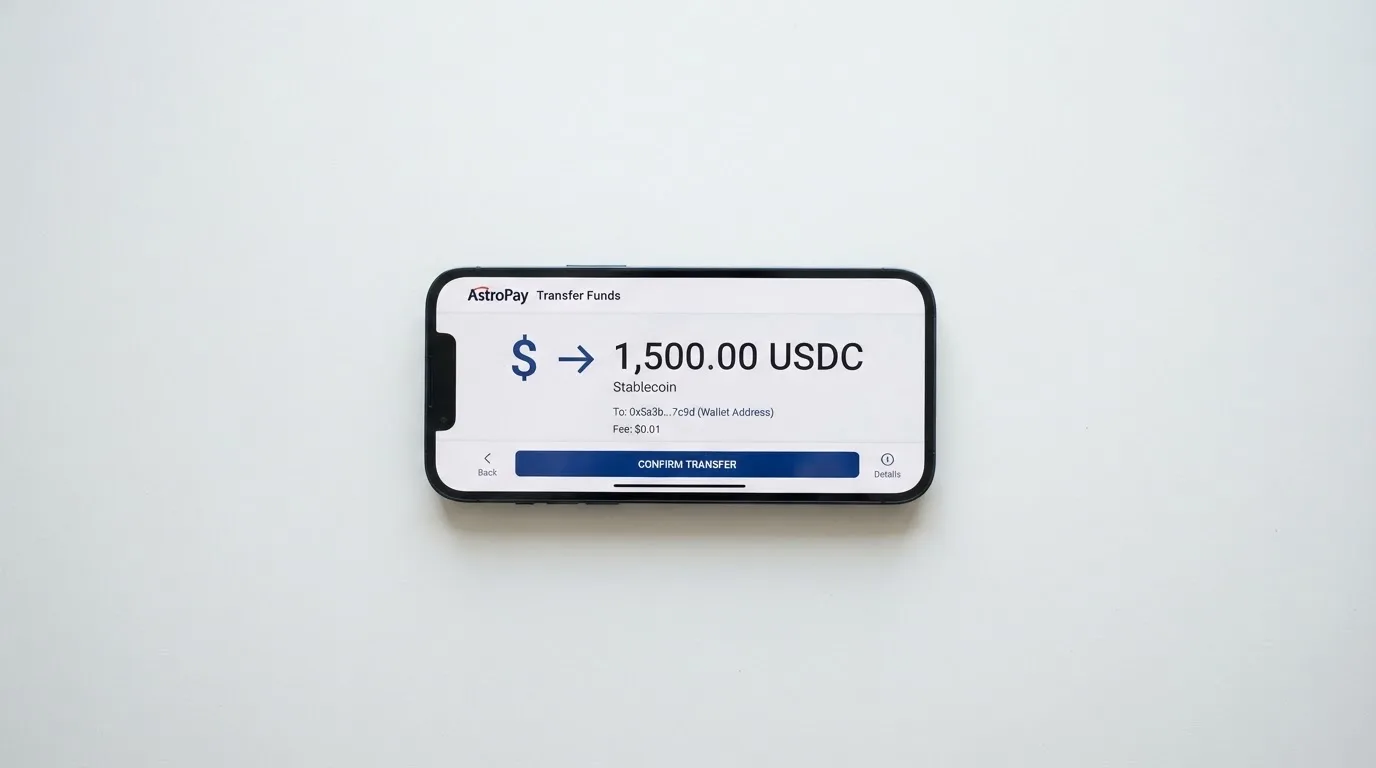
The pricing page gives a top-up fee of 2%, a minimum top-up of $10 (1 HKD for Platinum), a deposit fee of 2% with a minimum deposit of $1, and an exchange fee of 2%. The FAQ instead says 1% for deposits and withdrawals and 0% for converting cryptocurrency to USD, and sets a minimum initial balance of $21. Network fees are not stated, and no fiat top-up options are listed — the terms only mention bank card top-ups, which may bring their own KYC.
Why the missing networks matter so much: a stablecoin is not one thing but many. USDT and USDC are dollar-pegged, and the BIS put about 90% of stablecoin market capitalisation in these two as of July 2025, but they exist on many different blockchains. Circle listed USDC as natively supported on 38 networks as of 16 September 2026, including Ethereum, Solana, Base, Polygon PoS, Avalanche, Arbitrum and Stellar. Tether has issued USDT on Ethereum, Tron, Solana, Polygon, Avalanche and others.
Sending on the wrong network can simply lose the money. Transfers are irreversible, so a deposit sent on a network the provider does not support, or to an address belonging to a different network, may be gone or may need manual support recovery with no guarantee. There are also per-chain gotchas that catch people out: ERC-20 fees are paid only in ETH, so a wallet holding USDT with no ETH cannot send; Tron prices fees through bandwidth and energy, often burning TRX; and USDC on Tron is not a native option since Circle stopped supporting it in February 2024. Without a named network on Bing’s side, you are the one doing the checking.
Getting money back out is possible from the user panel for both virtual and physical cards. The pricing page puts the withdrawal fee at 2% with a $10 minimum (1 HKD for Platinum); the FAQ says 1% on deposits and withdrawals. On account closure, remaining funds go to the payment details you provide, minus applicable fees — and you are required to keep your wallet balance non-negative, which reads like a warning that a negative balance will not simply be forgiven.
Paying with it every day
The honest summary is that this is a card for spending online, and its own pages tell you very little about the everyday conveniences you would expect.
Blocked merchant categories are not stated, beyond the site saying it works at “any merchant accepting credit cards”. In practice that is narrower than it sounds: gambling sits in merchant category code 7995, and many issuers block that category by policy rather than by law, with the blocked list varying by issuer. Address verification is another quiet one — the service compares the numeric parts of a billing address against issuer records, and it is mainly offered in the US, Canada and the UK, so it is generally unavailable for foreign-issued cards and can cause declines.
Apple Pay and Google Pay support are not stated. The absence of a mobile app is not a mystery: accounts are managed on the web at my.bingcard.com, and no app is mentioned anywhere, so there are no store ratings to read. If you rely on a phone wallet, that is something you need to confirm for yourself before committing money.
Rewards are not stated. Unofficially, per CryptoSlate in 2026, there is no cashback and no rewards — a third-party observation, not something the card confirms.
Two things that are stated and that matter more than the missing features. First, in the pre-loaded balance model the card spends only what you have loaded, so it cannot overdraw — but it also stops working when the balance runs out, mid-month, with no credit line. Second, your transactions are, in the terms, “irreversible and not open to dispute, amendment, or cancellation”. The only exception named is fraudulent external wallet top-ups. Card top-up refunds can take up to 14 business days and are non-refundable once your identity is verified and the funds are credited. You bear responsibility for chargebacks. Complaints are reviewed within thirty days.
A declined authorisation can also leave a hold on your funds for several days, typically up to seven. So the failure mode is not only “the payment did not go through” but sometimes “my money is tied up as well”.
What can go wrong
I want to lead with the complaints, because they are the most concrete evidence I have and they are not a rumour.
On Trustpilot, the bingcard.com profile shows a rating “unavailable due to a breach of guidelines” with 58 reviews, 38 of them in the last twelve months, and 89% one-star, read on 20 October 2026. The themes are consistent. Withdrawals and conversions stuck in “Processing” from hours to more than a week, dated August and September 2026. Virtual cards declined at merchants — Uber and AI subscriptions are named. Unresponsive support and locked accounts. Scam allegations, which I treat as unverified and reproduce only to say they were raised. There is one positive review praising support.
The company did reply twice in that window: on 15 August 2026 with what the reply itself calls a “complete update” of the service, and again on 29 August 2026. No Reddit threads were found.
Those complaints line up with the commercial facts. An unnamed issuer and unnamed licences mean no visible regulator to escalate to. Funds sit with Bingcard, Inc. — and holding funds with a custodian carries real counterparty and hack risk, a risk the category has taken repeatedly: Mt. Gox reported about US$350 million stolen in 2011–2014, Coincheck about US$400 million in 2018, Ronin Network US$625 million in 2022. The site mentions “advanced security measures” and real-time transaction monitoring, but the custody model is not stated. Two-factor authentication, in-app freeze and spending controls are not stated, and neither is any insurance or safeguarding scheme. The account locks after three failed login attempts, and unauthorised transactions have to be reported through support.
It is worth knowing what “safeguarded” usually means in this industry, because it is weaker than a bank deposit. E-money institutions must safeguard customer funds by segregating them in dedicated accounts or insuring them, but such funds are not the same as bank deposits and may not be covered by a deposit guarantee scheme. In the US, FinCEN guidance treats administrators and exchangers of convertible virtual currency as money transmitters, while people merely buying goods or services are not.
Programmes also close. Visa terminated its global agreements with FTX on 13 November 2022 and the FTX US debit card was wound down. WaveCrest, a Visa issuer that supplied crypto card brands, was suspended by Visa in Europe in 2018, closing all WaveCrest-issued Visa programmes. Closures typically give notice, stop spending and loading, then ask users to withdraw remaining balances. I found one 2026 closure reported by a secondary source — new loads ending 8 July 2026, spending stopping 8 August 2026 — but that is a single unconfirmed source and I would not lean on it.
One more structural risk, the one that is easiest to overlook. Visa and Mastercard do not themselves issue crypto cards to consumers; they license issuers, and they can suspend a programme. The crypto brand you sign up with is often only a programme manager or front end. Bing does not name its network at all, so you cannot even tell which of those dynamics you are exposed to.
What to take instead
I looked at three alternatives that came up repeatedly, and I want to be honest about the limits of the comparison: none of these are clearly safer, and two of them have their own gaps. They score better on my rubric; that is a different claim from “better for you”.
| Bing | Cardex | TakeCard | OkiCard | |
|---|---|---|---|---|
| Score | 4.2 / 10 | 5.6 / 10 | 5.5 / 10 | 6.0 / 10 |
| Who can get it | No country list; closed to US citizens and residents | “One crypto card, 200+ countries”; no exclusions listed | Physical card “available only to Bolivian users for now” | “150+ countries” (some pages say “200+”); no geo-blocking on passport; must not be in a sanctioned jurisdiction |
| Card | Virtual Exclusive and Star, physical Platinum; network not named | Debit crypto card on VERVE, Visa, Mastercard and UnionPay; virtual and physical | Virtual card immediately, physical for Bolivia; Visa; issued in the US; prepaid | Virtual card (physical mentioned without detail); network “Visa/Mastercard” not specified |
| Issuance | 25 / 40 / 168 USD | Not stated | Virtual 5 USD; physical 20 USD plus 20 USD shipping (another article says 10 USD — conflicting) | 0 USD on the pricing page, starting price 15 USD; FAQ mentions a one-time issuance fee — pages disagree |
| Fees | Exchange 2%, cross-border 1.5% min 0.5 USD, decline 3%, top-up 2% (FAQ: 1%) | Real-time conversion at payment; “AI-Powered Conversion Rate” picks the best rate; no percentage stated | 1% per purchase; USD payments 1:1; other currencies at Visa’s rate of the day; crypto conversion fee not stated | Load fee 3%; transaction fee 0% in USD; “no hidden exchange spreads”; FX fee not stated |
| Funding | BTC, ETH, USDT, USDC; networks not named | USDT, USDC and BTC wallets; networks not named | From the Takenos balance (coins not named); USDC/USDT via Polygon, BNB Chain, Tron or Ethereum per unverified starting data | USDT on BSC, Ethereum, Tron and Solana; USDC “soon”; BTC and altcoins “coming soon” |
| Rewards | Not stated; unofficially none | Not stated | Not stated | Not stated |
Reading across that table, three things stand out.
TakeCard is the only one of the four that names its network and states a single, flat purchase commission, which makes its costs the easiest to predict. Its catch is that the physical card is Bolivia-only, so outside Bolivia you are looking at the virtual card, and its own help centre contradicts itself on physical pricing.
Cardex names four networks and claims to pick the best conversion rate at the moment of payment, but states no fee percentage anywhere — which means you cannot model your cost from the public pages. Its App Store listing is Naira-focused, which tells you more about its centre of gravity than the “200+ countries” line does.
OkiCard is the most transparent on the mechanics I care about: it names the exact chains for USDT (BSC, Ethereum, Tron, Solana), and it publishes a 3% load fee, 0% transaction fee in USD, and “no hidden exchange spreads”. It also requires an initial deposit of 100 USDT, which is real money to have parked, and its own pages disagree about whether there is an issuance fee.
All three share the same blind spot as Bing: networks for deposits are frequently unstated, which is where irreversible losses happen.
Who I would recommend it to
To someone with crypto already sitting in a wallet, no usable bank card in the country they live in, and a genuine preference for not submitting identity documents. In that specific situation, a virtual card number in five minutes has real value, and I am not pretending otherwise. Just load small amounts, expect the percentage fees to add up, and treat the balance as spending money rather than savings.
I would not recommend it to anyone paying recurring essentials from it, anyone holding a meaningful balance for more than a few days, or anyone who needs to answer the question “who is my card issuer and which regulator supervises them” — because on the public pages, nobody at Bing answers it.
If you want to check one thing before depositing anything, make it this: ask support in writing which networks your USDT or USDC must be sent on, and get the answer in writing. It is the single question where a wrong answer is most expensive and most irreversible, and it is the one the site leaves to you.
Frequently asked questions
What is the Bing card?
Bing is a crypto payment card operated by Bingcard, Inc. You load a balance with BTC, ETH, USDT or USDC and spend it through a virtual or physical card at merchants that accept card payments. There are three products: virtual Exclusive, virtual Star and physical Platinum. The card is described as running on “major global payment networks”, but the network is not named anywhere on its public pages.
How does the Bing card work?
It works as a prepaid card. You convert or top up a fiat or stablecoin balance first, and the card then spends only that balance, so it cannot overdraw — but it also stops working when the balance is empty. Crypto is converted and loaded as fiat balance, and the site says conversion happens instantly at the point of transaction. Accounts are managed on the web at my.bingcard.com rather than in a mobile app.
Is Bing a bank?
No — and this is the most important distinction on this page. The site names Bingcard, Inc., founded in December 2021, and says the website and licences were “secured” in December 2022 without naming a regulator or any licence. The issuing institution and BIN sponsor are not named either. If you need deposit-guarantee protection or a named regulator, this is not the place to look for it.
Does the Bing card require KYC?
It depends which card you want. Virtual cards are described as available “in just 5 minutes without KYC”. The physical Platinum card requires you to complete KYC online, subject to AML requirements. Bank card top-ups may require a photo ID, a mobile number and possibly a videoconference, with verification generally completed within 24 hours. Which documents are needed, and the grounds for rejection, are not stated.
How much does a Bing card cost?
Issuance is 25 USD for Exclusive, 40 USD for Star and $168 for Platinum. The pricing page lists an exchange fee of 2%, a cross-border handling fee of 1.5% with a $0.5 minimum, a 3% declined transaction fee, and a 2% top-up fee. The FAQ instead says 1% for deposits and withdrawals and 0% crypto-to-USD conversion. Because the two official pages disagree, model your costs on the higher figure until support confirms otherwise in writing.
What are the Bing card’s limits?
The FAQ gives monthly limits of $100,000 for Exclusive, $200,000 for Star and 1,000,000 HKD for Platinum. The pricing page disagrees on Star, listing $50,000, while agreeing on Exclusive and Platinum. Daily limits are not stated. A minimum initial balance of $21 appears in the FAQ, with a minimum top-up of $10, or 1 HKD for Platinum.
Can I add the Bing card to Apple Wallet?
The card’s own pages say nothing about Apple Pay or Google Pay, so I cannot tell you that you can. No mobile app is mentioned either — the account is web-based at my.bingcard.com — which means there are no store listings or user ratings to check either. If a phone wallet is essential to how you pay, confirm this directly with support before loading any balance.
Is the Bing card safe?
I would not call it safe. Of 58 reviews on Trustpilot, 89% are one-star, with reports of conversions and withdrawals stuck in “Processing” for weeks, declined virtual cards and locked accounts. The custody model is not stated, two-factor authentication and card freeze are not stated, and no safeguarding or insurance scheme is described. Holding funds with a custodian carries counterparty and hack risk that no card can eliminate.
Can I withdraw money from Bing?
Yes — the balance can be recharged and withdrawn from the user panel for both virtual and physical cards. The pricing page sets a 2% withdrawal fee with a $10 minimum, or 1 HKD for Platinum, while the FAQ says 1% on deposits and withdrawals. On account closure, remaining funds go to the payment details you supply, minus applicable fees, and you must keep the wallet balance non-negative.
Is the Bing card worth it?
For spending small amounts from crypto you already hold, when you have no ordinary bank card and do not want to submit identity documents, it does something other products do not. For anything else — regular bills, a held balance, or a business expense — the unstated spreads, the 3% decline fee, the pages that contradict each other and the complaint record make it hard to call worth it.
How virtual cards work – cryptocardsexplained.com
Content created by the «cryptocardsexplained.com» team