
A credit card built on crypto collateral, not on a bank account
 Available in US
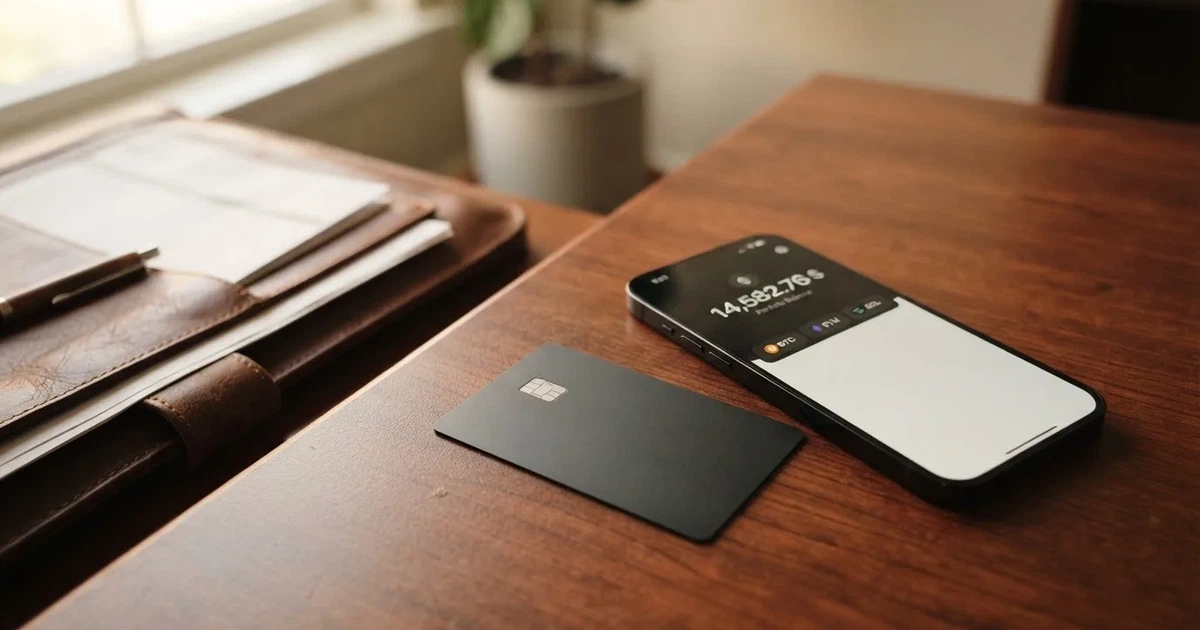
The Exa card is not a bank card. It is a Visa Signature credit card issued in the United States, drawn against crypto collateral you hold yourself, with no monthly fee and a 1.5% fee on every purchase made in something other than US dollars. That single sentence explains both what makes it interesting and what makes it awkward. If you already keep assets in self-custody and want to spend them without selling first, this card does something most competitors do not. If you want the reassurance of a bank, a physical card in the post, or a predictable fee on a coffee in a foreign city, this is not the tool for you. I scored it 6.2 out of 10, and I want to explain exactly where that number comes from, because the strengths and the weaknesses here are unusually concentrated.
The conditions described here are current as of October 28, 2026.
Verdict: who this card is for, and who it is not
The Exa card gets 6.2 / 10 overall. That is not a dismissal. It is a card with genuine strengths — no monthly fee, credit against your own collateral rather than a bank’s balance — sitting next to real weaknesses that cannot be designed away: no physical card, unclear fee structure on the public pages, and a Google Play rating of 2.7 out of 58 reviews.
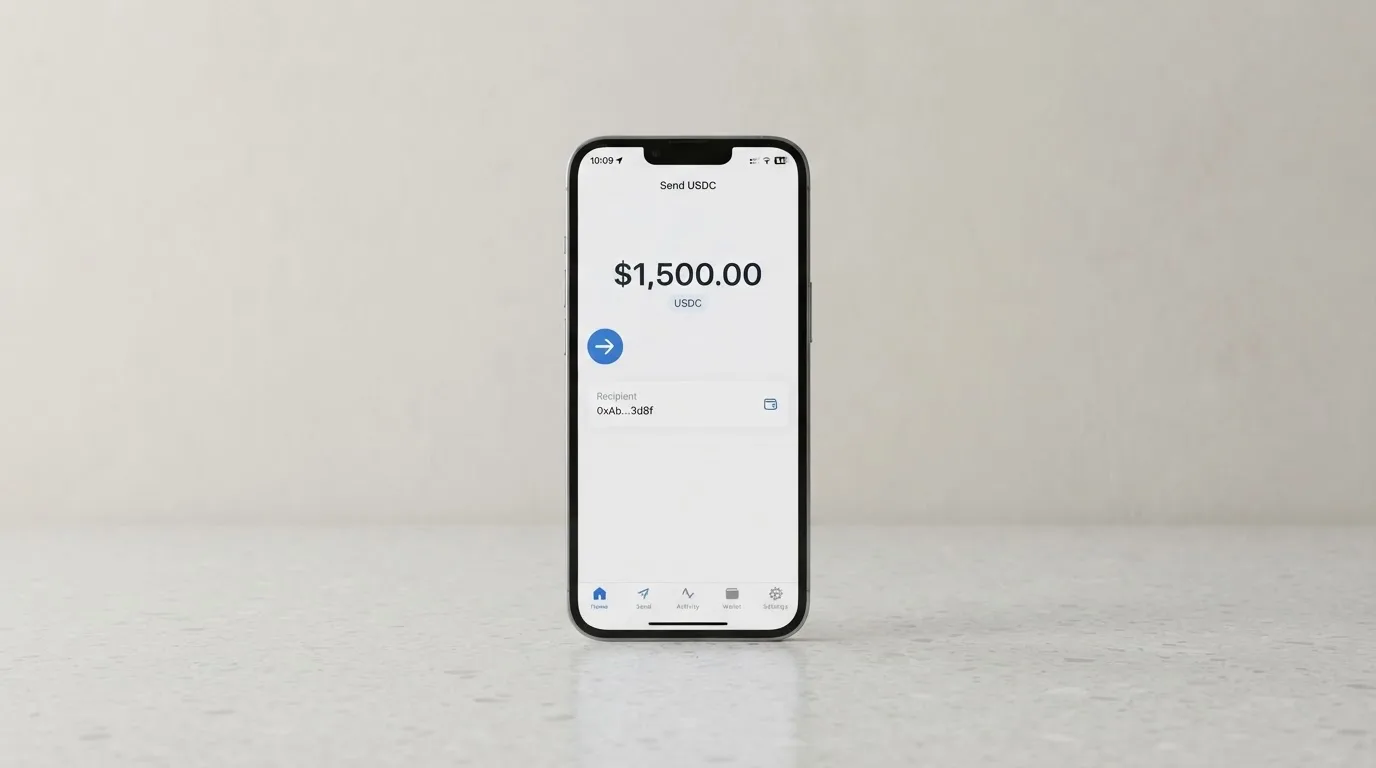
The user who should pay attention is a self-custody holder spending against crypto collateral. Someone running a cold or hardware wallet with meaningful USDC or ETH, who wants a Visa number without touching an exchange account, will find this card genuinely useful. The user who should look elsewhere is anyone who needs a physical card, a bank-backed dispute process, a stable fee in local currency, or a card that works reliably at a foreign ATM without reading the fine print first.
Here is how each criterion contributed to the score:
| Criterion | Score | Why |
|---|---|---|
| Who can get it | 7 / 10 | Card issued in 45 countries (Argentina, Brazil, Japan, Kenya, Mexico, Singapore, South Africa, UAE) and 31 US states; 18 countries ineligible |
| Cost | 7 / 10 | Officially: 1.5% on non-USD payments, loan origination fee folded into the rate; unofficially: issuance and annual fee $0, ATM $1 + 0.65% |
| Top-up options | 6 / 10 | Collateral in USDC, ETH, wstETH, WBTC, OP; networks not named; unofficially: no crypto deposit fee stated |
| Reliability and complaints | 5 / 10 | Exa Labs SAS, issuer unnamed, issuance via the US (Rain); no Trustpilot page, Google Play 2.7 of 58 ratings; unofficially: $7.3M Exactly Protocol exploit August 2023 |
| Everyday use | 5 / 10 | Virtual Visa only, Apple Pay and Google Wallet available; unofficially: ATM via contactless card with PIN |
The score is not a ranking of how honest the company is. It is a measure of how well the card does its stated job for a person in the situation described above: needing to spend crypto they already hold, without converting through an exchange. On that narrow job, it is competent. On everything else, it is thin.
Will they give you the card?
Yes, in 45 countries and 31 US states — but the list of who is excluded is longer than the list of who is included, and the rule is based on where you live, not where you are a citizen.
The card is issued in 45 countries. Among them: Argentina, Brazil, Japan, Kenya, Mexico, Singapore, South Africa, and the UAE. Nigeria is conditional, meaning the rules there are not the same as elsewhere. In the United States, the card goes to residents of 31 states.
The 18 ineligible countries include Belarus, China, India, Iran, Israel, Turkey, Ukraine, Vietnam, and Russia. Residents of Russia cannot be issued a card. Even if a card were held, spending in Russia is blocked.
This matters for anyone who travels, holds a second nationality, or has moved recently. The eligibility test is residence. Your citizenship is not what decides whether you get the card. If you have just relocated, your address is the thing that matters, and it needs to be accurate — because the moment your address says somewhere the card is not issued, the application stops.
There is a second, separate restriction that trips people up: even with a valid card, spending is blocked in Cuba, Iran, North Korea, Russia, Syria, Ukraine, and Venezuela. This is a spend restriction, not an issuance restriction. So there are two lists — where you can get the card, and where you can use it — and they are not identical.
How to get it
The process is short. The site says the validation takes “no more than 3 minutes”: download the app, add funds, and complete a KYC check that takes “about 3 minutes.”
That is the whole official description. What documents you will be asked for, what proof of address is required, what age threshold applies — none of that is stated on the public pages. The help centre has articles on verification, but the details are not on the page itself.
What is stated, and what matters more than the three-minute claim, is what happens later. There is a single validation step at application, and above $10,000 in weekly purchases an automated source-of-funds check kicks in: a form plus supporting documents. To raise your limits you must prove both your address and your funds. The card does not say what happens if your application is rejected, or what the tiers of verification are — there is one described step, and that is all.
One more thing before you start. The card is virtual only. The help centre does have an article titled “Is there a physical card?”, but the answer is clear from the rest of the site: “No, there are no physical cards available at the moment.” The card lives in Apple Pay or Google Wallet. There is nothing in the post, nothing to lose in a coat pocket, nothing to hand a waiter who wants a physical card.
Fees: what it really costs
The marketing says free. The specific numbers are harder to find.

Here is what the public pages actually tell you:
| Fee or limit | Value |
|---|---|
| Issuance | $0 (unofficial source, August 2026) |
| Annual fee | $0 (unofficial source, August 2026) |
| Monthly fee | None stated |
| Conversion / FX fee | 1.5% on every purchase not in USD, included in the rate |
| Loan origination fee | May be charged, included in the installment interest |
| ATM withdrawal | $1 plus 0.65% per withdrawal, $250 maximum, four per day (unofficial source) |
| Weekly purchase limit | $10,000 |
| Daily / monthly / ATM limits | Not stated |
The 1.5% is the number to hold on to, because it is the one that touches you most often. Every time you buy something in a currency other than US dollars, 1.5% is added — folded into the exchange rate rather than shown as a separate line. If you are in Europe, the UK, or Asia, that is the cost of using this card at all. A coffee costs 1.5% more. A train ticket costs 1.5% more. There is no way around it except not paying in non-USD, which in practice means not using the card.
The ATM fee — $1 plus 0.65%, with a $250 cap per withdrawal and four per day — comes from a third-party source, not from Exa itself. Treat it as unofficial. It also assumes you have a contactless NFC ATM and a PIN from the app, and it warns that the ATM operator may add their own fee on top. So the real cost of a withdrawal is $1 plus 0.65% plus whatever the ATM charges, and the last of those you do not control.
The help centre has an article titled “Exa Card associated fees and costs” and another on non-USD conversion rates. Neither was readable from the public pages. That is a gap, not a hidden fee — but when you are deciding whether a card is cheap, the pages you cannot read are exactly the ones that would settle the question.
There are no tiers. One card: Visa Signature Exa Credit Card. No paid plans, no premium tier, no fee for a higher limit. What you get is what you get.
How to top it up
The Exa card spends from your own self-custody account. You hold the collateral; the card draws against it.
The mechanics: funds sit in your account in the Exa app, and the card spends via Pay Now or in instalments against your collateral — which is a credit line. The help centre says it plainly: “You will need to have funds in your account to enable your Exa Card.” No balance, no card.
The assets supported, according to the docs, are USDC, ETH, wstETH, WBTC, and OP — these are the collateral assets in the Exactly Protocol markets. The networks are not named on the pages I could read, and that is a genuine gap: if you hold USDC on a network the app does not support, you are stuck. Blockchain transfers are irreversible, so a deposit sent on the wrong network, or to an address belonging to a different network, can be lost outright or need manual recovery with no guarantee.
Deposit fees, minimum top-ups, and whether there is a built-in way to buy crypto with a card are all not stated. The “associated fees” article, as far as it goes, lists only the FX fee and the loan origination fee. An unofficial source (August 2026) says crypto deposits carry no fee, and that fiat on-ramp fees vary by third-party route and country — meaning if you buy crypto to fund the card, you are using someone else’s pricing and someone else’s rules.
Getting money back out: the site says funds can be sent to a bank account or digital wallet, and withdrawn from ATMs. Fees, limits, and timelines are not given. What happens to your balance if you close the account is not stated either.
Paying with it every day
A virtual Visa, in your phone, spending US dollars. Accepted “at over 150 million merchants in more than 150 countries.”
In practice this means: add the card to Apple Pay or Google Wallet (both supported, both have help articles), tap to pay, and it works wherever Visa works and your bank accepts it. The help centre also lists Visa Signature benefits, including 20% off Airlo eSIMs and a US activation reward — spend $100, get $20 in XRP via Uphold.
On cashback: none is confirmed. “Earn while you spend” on the site refers to yield on your assets, not to rewards on purchases. A third-party source (August 2026) could not confirm any current cashback and flagged an earlier 1.5% USDC cashback as historical and unverified. So do not model a rebate into your budget.
The app: mobile app via a QR-code link on the site, plus a web version at web.exactly.app, for iOS and Android. The store ratings are where it gets uncomfortable. An unofficial source (August 2026) gives Apple App Store 5.0 out of 5 from 4 ratings — four ratings, essentially no sample — and Google Play 2.7 out of 5 from 58 ratings. Fifty-eight people on Android have rated this app, and most of them did not like it.
Two things about how payments actually behave that you should know before you rely on this daily. First, a purchase is placed on hold at authorisation and usually settles 1 to 3 days later. Second, the final amount can differ from what you expected — tips at a restaurant, a hotel hold, an exchange-rate move between authorisation and settlement. This is normal for card payments, but it means your balance moves twice.
Disputes, refunds, and chargebacks are not stated on the public pages. If something goes wrong with a purchase, the help centre does not say what your recourse is.
What can go wrong
The main risks here are not hypothetical. They are documented, or at least reported, in ways you can read about.
The Exactly Protocol exploit. In August 2023, the Exactly Protocol suffered a $7.3M exploit. This is the protocol your collateral sits in. A third-party aggregator notes it. It is not a reason to dismiss the card, but it is a reason to understand that your collateral is not sitting in a bank vault — it is sitting in a smart contract, and contracts have been broken before.
Who you are trusting. The footer reads “© 2026 Exa Labs SAS.” The cards are “issued by licensed third parties.” Exa Labs does not itself issue payment instruments. The help centre says “The Exa Card is issued in the United States,” with a US legal address in San Juan, PR, “provided by Rain” — but the issuer bank is not named. So there is a programme manager, an unnamed issuing bank, and Rain in between. You are trusting a stack, and you cannot see all of it.
KYC failures in Africa. The aggregator cryptocards.so — which rates Exa 5.7 out of 10 — notes KYC failures for users in African markets, especially Nigeria, and a lack of documented support service-level agreements. There is also mention of exclusion of 24 US states, which does not match the 31 states the official pages claim. Where the official number and the third-party number disagree, the official one is the one to trust — but the discrepancy itself is worth noticing.
No Trustpilot, no Reddit. No Trustpilot page was found for exactly.app. No Reddit reviews were found. This is not a scandal; it is a thin public record. You are relying on the company’s own help centre, which is a real source, and on a handful of third-party pages, which are not.
Self-custody risk is real. The account is self-custodial and “secured with passkeys,” with optional second account owner, and borrowing and spending run on non-custodial smart contracts. Audits and insurance are not mentioned. Freeze-in-app controls and spending controls are not stated. What this means practically: if you lose your seed phrase, there is no support line that can reverse a blockchain transfer. That risk is the trade you make for not trusting a custodian, and it is a trade, not a free upgrade to safety.
What to take instead
Three alternatives, roughly at the same level. None is perfect; they trade differently.
Nexo — 6.3 / 10. Similar score, different philosophy. Nexo serves residents and citizens of “selected European countries, including the EEA and the United Kingdom” (no country list on the page). It offers both virtual and physical cards, and its fee structure is more transparent than Exa’s: FX fee 0.2% on weekdays in the EEA/UK/CH, 2% rest of the world; 0.7% and 2.5% on weekends. That is a better rate than 1.5% for anyone in Europe. It also has a real rewards programme — cashback in NEXO tokens or Bitcoin, tiered from Base at 0.5%/0.1% up to Platinum at 2%/0.5%, though only in Credit Mode with more than $5,000 held. The catch: the physical card requires a balance above $5,000 and at least Gold tier, and there is a 2025-era news report of a Bulgarian police raid on Nexo’s Sofia office over alleged sanctions/AML violations. (Not official; no Nexo statement on Russians found.)
Pay3 — 6.3 / 10. Open to users outside “Restricted Locations” — countries under sanctions, export controls, or crypto prohibitions; the list is not published. It offers virtual, physical, and Apple Pay/Google Pay cards on Visa. Its fees are openly higher: card issuance from $5, spend from $0.15 per transaction, currency conversion from 1.15%, foreign exchange up to 3%, cross-border up to 3%. In exchange you get a card you can actually hold, and multi-currency accounts. The collateral model is the same as Exa’s.
Cardex — 5.6 / 10. “One crypto card, 200+ countries,” on multiple networks (VERVE, Visa, Mastercard, UnionPay), virtual and physical, with USDT/USDC/BTC wallets. It claims an “AI-Powered Conversion Rate” that picks the best exchange rate at the moment of spend. The App Store listing is Naira-focused. No fee percentage is stated and no rewards are stated. It is the broadest and the vagest of the four.
Where Exa sits among them: it has the cleanest no-fee story and the most unusual model (credit against self-held collateral), but the least physicality and the least transparent fee page.
Who I would recommend it to
I would recommend the Exa card to someone who already lives in this world. You hold USDC or ETH in a self-custody wallet. You are in one of the 45 supported countries. You have concluded that a prepaid crypto card’s fees are worse than a 1.5% FX fee. You do not need a physical card. You have read your limit terms and know that above $10,000 a week the source-of-funds check starts. You are comfortable with the fact that Exa Labs is a programme manager, the issuer is unnamed, and the protocol your collateral lives in has been exploited before. If all of that is true of you, this card does a job no bank card does, and it does it without a monthly fee.
I would not recommend it to someone whose first card this is. If you have never had a payment card that worked reliably, the 2.7 Google Play rating and the missing physical card are not the introduction you want. If you are in a country where the currency is not the US dollar, you are paying 1.5% on everything, and you should know that before the first purchase, not after.
I would also pause anyone who needs a physical card, a documented dispute process, or a support team with a service-level agreement. The public pages do not promise these things. Absence of a promise is not a promise.
And a word on what this card is not. It is not a bank. It is not a way to avoid being identified — it runs KYC like everyone else. It is not anonymous, and anyone marketing it to you as though it were should be treated with suspicion.
Frequently asked questions
What is the Exa card?
The Exa card is a Visa Signature credit card issued in the United States that draws against crypto you hold yourself. It is virtual only, lives in Apple Pay or Google Wallet, and has no physical version. Spending happens via Pay Now or in instalments against your collateral — a credit line secured by your own crypto, not by a bank balance.
How does the Exa card work?
You hold collateral in a self-custody account in the Exa app — supported assets include USDC, ETH, wstETH, WBTC, and OP. When you pay, the card spends from that account via Pay Now, or draws on a credit line against your collateral in instalments. The card currency is USD, and every purchase in another currency carries a 1.5% fee folded into the rate.
Is Exa a bank?
No. Exa Labs SAS is the company behind the app, and the footer says the cards are “issued by licensed third parties.” The help centre says the card is issued in the United States, with a US legal address in San Juan, PR, provided by Rain. The issuing bank itself is not named. So Exa is a programme manager and app, not a bank.
Who owns Exa?
Exa Labs SAS owns the Exa brand and app, per the site footer (“© 2026 Exa Labs SAS”). The card programme itself sits with licensed third-party issuers rather than with Exa. The collateral markets run on the Exactly Protocol, which is a separate, open-source DeFi protocol.
Can I use the Exa card in my country?
The card is issued in 45 countries — including Argentina, Brazil, Japan, Kenya, Mexico, Singapore, South Africa, and the UAE — and in 31 US states. Eighteen countries are ineligible, including Belarus, China, India, Iran, Israel, Turkey, Ukraine, Vietnam, and Russia. Eligibility follows residence, not citizenship. Spending is separately blocked in Cuba, Iran, North Korea, Russia, Syria, Ukraine, and Venezuela.
Does the Exa card require KYC?
Yes. Requesting a card starts a validation process the site describes as “no more than 3 minutes,” which includes a KYC check “about 3 minutes.” Which documents are required and what age threshold applies are not stated on the public pages. Above $10,000 in weekly purchases, an automated source-of-funds check begins, requiring a form and supporting documents.
Is the Exa card free?
There is no monthly fee, and unofficial sources (August 2026) report both issuance and the annual fee at $0. But the card is not free to use: every purchase in a currency other than USD carries a 1.5% fee. A loan origination fee may apply and is folded into the instalment interest. Unofficial ATM pricing is $1 plus 0.65% per withdrawal.
How do I add the Exa card to Apple Wallet?
The card is virtual, so adding it to your phone is the whole setup. The help centre has a dedicated article for adding the Exa card to Apple Pay, and one for Google Wallet. Because it is a Visa, it works in Apple Pay the way any Visa does — the card number is tokenised into the device’s Secure Element, and each tap uses a one-time code.
Is the Exa card safe?
It depends on what you mean by safe. The account is self-custodial and secured with passkeys, and borrowing runs on non-custodial smart contracts — which means you keep control but also carry the risk of key loss and irreversible transfers. Against that, the Exactly Protocol suffered a $7.3M exploit in August 2023, the issuing bank is not named, and audits and insurance are not mentioned on the pages I could read. Self-custody trades custody risk for personal responsibility; it is not a free upgrade to safety.
Is the Exa card worth it?
For someone holding USDC or ETH in self-custody who wants to spend without touching an exchange, and who does not need a physical card — yes, the no-monthly-fee model and the collateral credit line are genuinely useful. For anyone in a non-USD country paying a 1.5% fee on every purchase, or anyone who needs a physical card, a documented dispute process, or a support team with a service-level agreement — no. The card does a narrow job well and everything else thinly.
How credit and cashback cards work – cryptocardsexplained.com
Content created by the «cryptocardsexplained.com» team